Don’t Just Learn Technology. Use It.
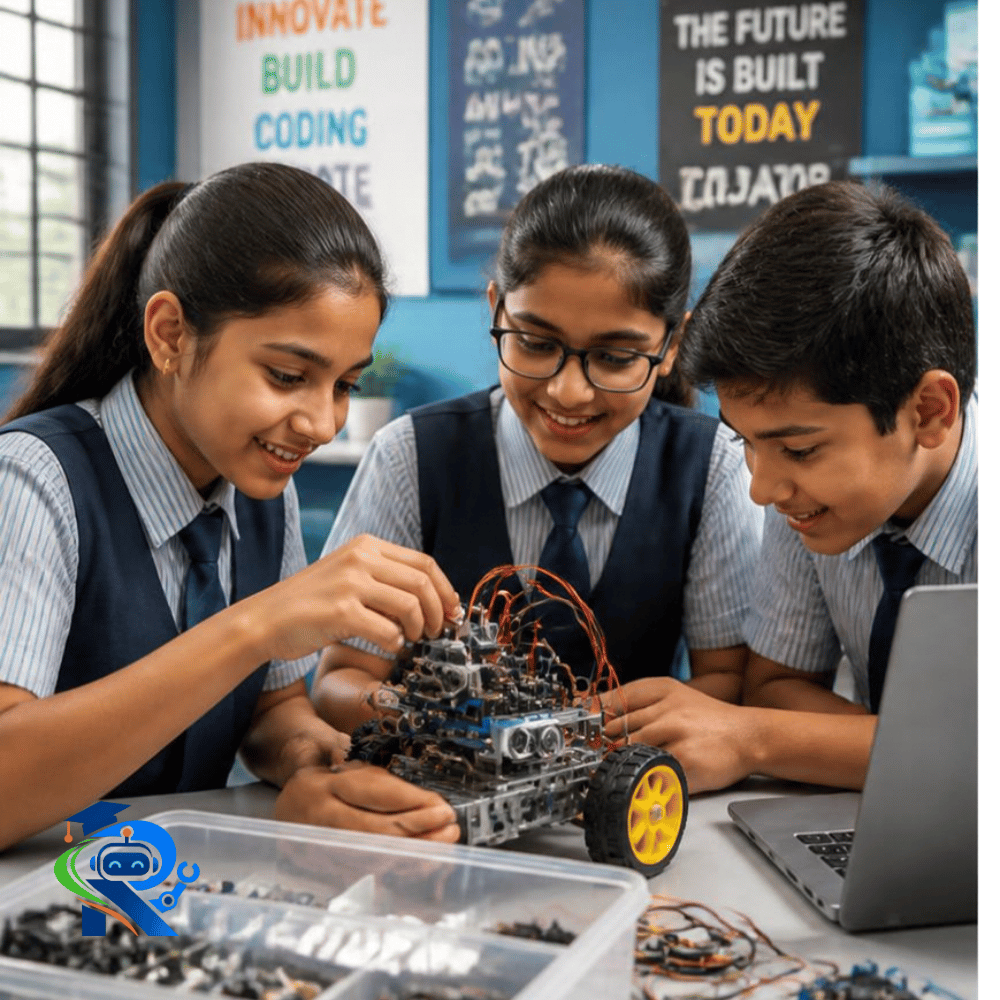
With Robofleet, students move beyond watching, reading and memorising. They build, code, experiment, test and solve using real electronic components, sensors, motors, controllers and digital technologies.
Build Ideas Into Reality.
A simple idea can become a working project. Students learn how individual components work and then combine them to create solutions. From components to concepts to working creations, every project turns learning into an experience.
The goal isn't simply to finish a project. It's to understand what makes it work — and discover what could be built next.
Students work with circuits, sensors, motors, controllers, programming and digital technologies. They can see how an input becomes a decision, and how a decision becomes an action.
Build → Code → Sense → Respond.
Turn Components Into Working Systems.
Build What You Imagine
Create circuits, robots, smart devices and technology-based models using hands-on STEM kits. Move from individual components to concepts and then to working creations.
Code What You Build
Give your creations instructions. Students can program sensors, motors, lights, buzzers, displays, robots and smart devices while progressing toward more advanced programming and Python.
Make Things Respond
Experiment with light, moisture, sound, temperature, humidity and obstacle sensing. Then use those inputs to make projects react. Sense → Decide → Act.
Turn Code And Electronics Into Moving Machines.
Students can create and experiment with robotic systems that sense their environment, make decisions and change their movement.
Explore Robot Projects →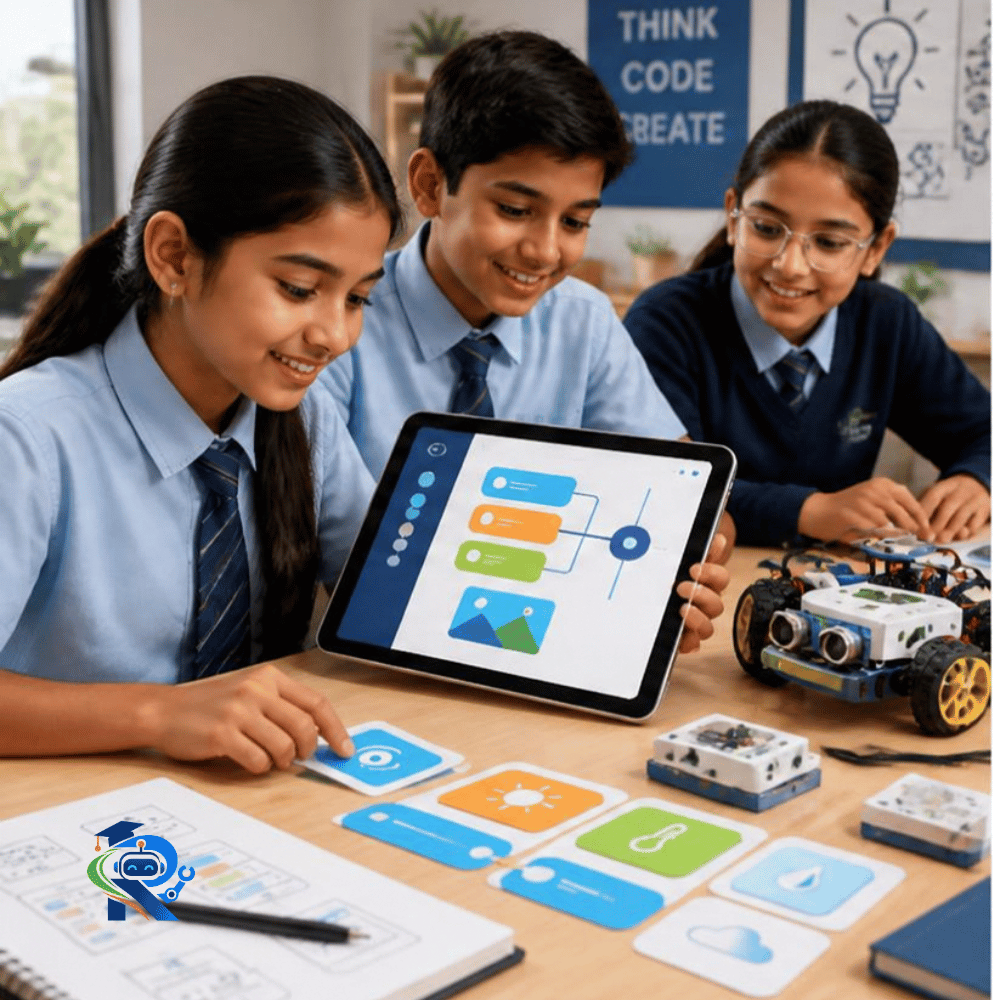
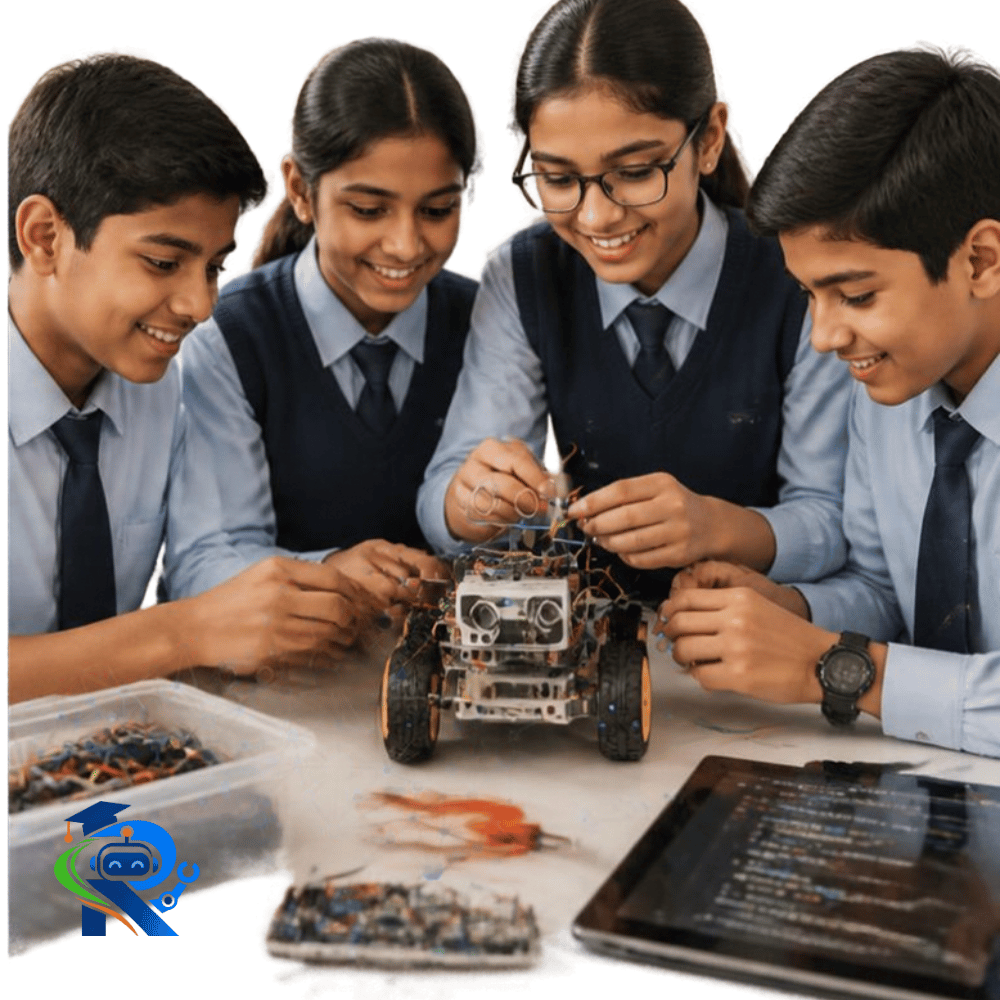
Explore Different Ways Machines Can Move.
Each robot introduces a different combination of sensing, logic, movement and programming.
Line-Following Robot
Use sensors to detect a defined path and control motors so the robot can follow it.
Obstacle-Avoiding Robot
Detect obstacles and use programmed logic to change direction rather than simply stopping.
Light-Seeking Robot
Experiment with light sensing and motor control to create movement that responds to changes in light.
Cliff-Avoiding Robot
Explore sensing and decision-making to create a robotic system designed to avoid an edge or drop.
Path-Following Robot
Combine sensors, motors and code to explore autonomous movement along a defined route.
Remote-Controlled Robot
Experiment with an external control interface to understand how commands can be translated into robotic movement.
Create Technology That Solves Problems.
Technology becomes meaningful when students connect what they learn to situations around them.
Smart Systems
Explore how sensing, programming, connectivity and automation can work together to create responsive technology.
Safety & Security
Explore systems that detect conditions, monitor situations and trigger alerts.
Smart Living
Experiment with smart switches, responsive devices and home automation concepts.
Smart Mobility
Explore robotic movement, navigation and autonomous systems.
Smart Environments
Use sensors to understand changing environmental conditions.
Smart Farming
Explore monitoring and automation ideas for agricultural applications.
Intelligent Systems
Begin connecting sensing, programming, automation and AI concepts.
Different Technologies. One Journey.
The real power of STEM comes from understanding how technologies connect and work together.
Solve Problems Like An Engineer.
Students learn to move beyond “How does this work?” and start asking “What can I create with it?”
Identify
Recognise a problem, challenge or opportunity.
Imagine
Think of possible approaches and solutions.
Select
Choose suitable components, tools and technologies.
Prototype
Build an initial version that can be tested.
Code
Write or modify instructions that control the system.
Test
Observe what works and identify what doesn't.
Improve
Modify the design, experiment and try again.
Innovate
Ask what else the technology could become.
Every Project Builds More Than Technology.
Every project is an opportunity to develop practical thinking skills alongside technical understanding.
Problem Solving
Break complex challenges into manageable steps.
Logical Thinking
Understand relationships between inputs, decisions and outputs.
Creativity
Imagine different ways technology can solve a problem.
Coding
Translate ideas into instructions machines can understand.
Experimentation
Test ideas, observe results and learn from outcomes.
Making
Turn concepts into physical, working creations.
Design Thinking
Understand problems, explore possibilities and improve solutions.
Innovation
Move from using technology to creating with it.
From Idea To Working Project.
A project can follow a simple creation cycle where every attempt becomes part of the learning process.
Imagine
Identify an idea, challenge or problem.
Explore
Understand the technology and components available.
Build
Create the first working version.
Code
Program the behaviour of the project.
Test
Observe what works and what doesn't.
Improve
Modify, experiment and try again.
Solve
Create a solution that demonstrates the concept.
Innovate
Ask: What else could this become?
Make It. Test It. Improve It.
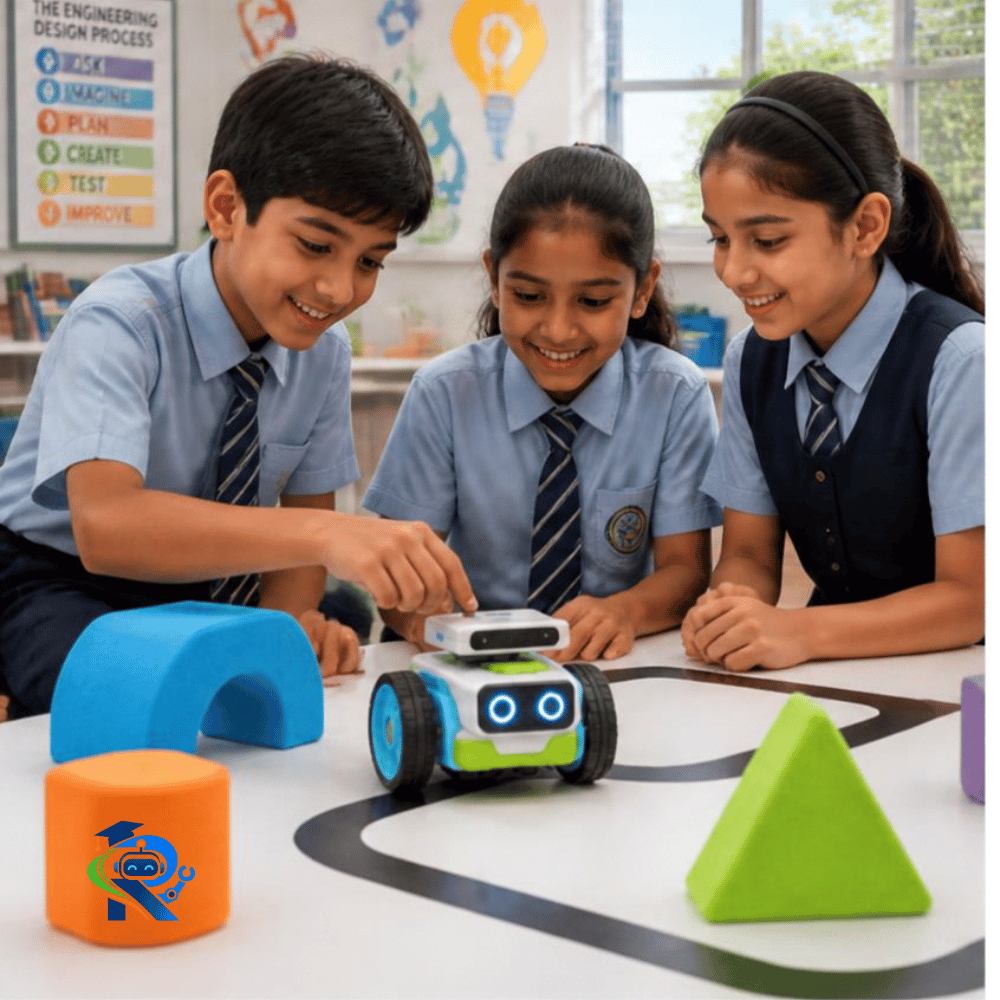
What Will You Create Next?
The goal isn't to give every student the same answer. It is to give them the tools, knowledge and confidence to create their own.
